JavaScript is a scripting language that enables you to create various IT applications like web apps, hybrid mobile apps and many more. The code you write in JavaScript is not yet minified- ie. it has spaces, comments, long variable names, long function names etc. The code should be minified to improve the application performance.
If you are looking for a best JavaScript Minifier that provides API as well then this tool is for you. You can minify your JavaScript code in just single click. It is fast and simple to use. It takes just 400ms to minify your code.
Here is the tool link- JavaScript Minifier
How to use JavaScript Minifier tool
Its Easy and Fast to use. It provides best user experience. You just need to put your JavaScript codes into the box and click ‘Minify’ button. It will minify your JavaScript code within 400ms.
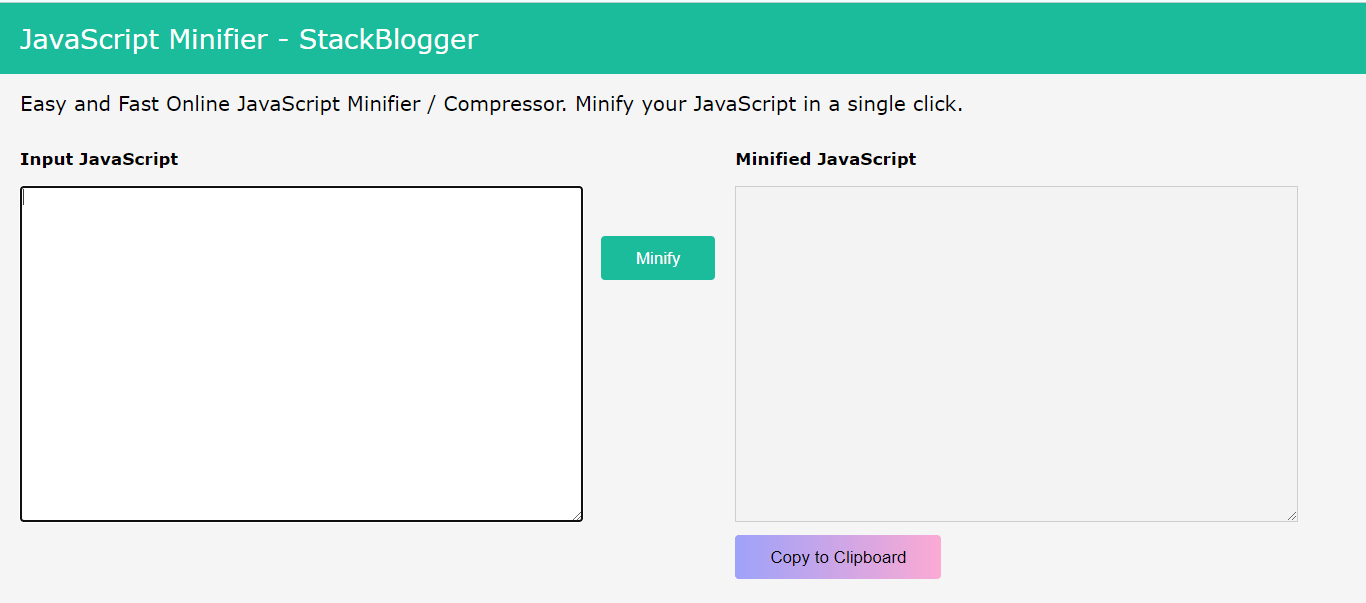
In in left box put your JavaScript code and click ‘Minify’ button in the center. It will minify your code and display you in the right box. Simply click ‘Copy to Clipboard’ button and all of your minified codes will be copied to clipboard. You can then paste it wherever you want.

JavaScript Minifier – Minify Time
It is so fast. It takes just 400 ms (sometime between 400-500ms) to minify your JavaScript code.

How to Minify my JS
Open the JavaScript Minifier tool and paste your code to minify.
 Jameer Khan - My personal experience